
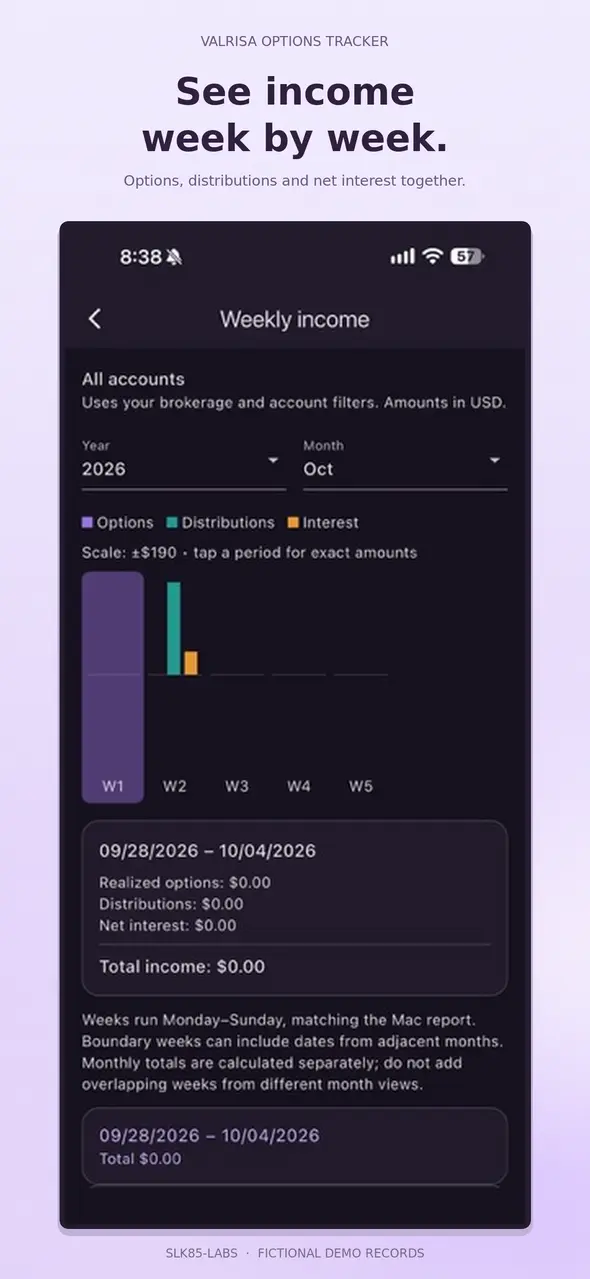
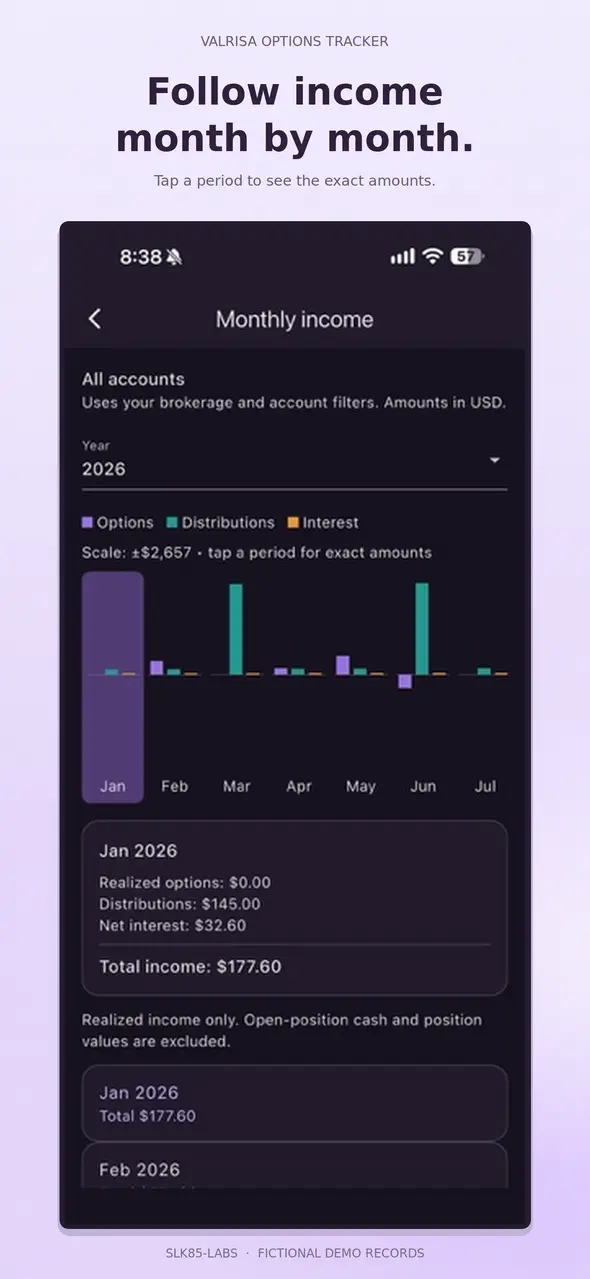
Weekly and monthly income
Review realized option income, distributions and signed net interest. Tap a period for exact amounts.
Your options records. Within reach.
Organize brokerage activity, follow realized income, and keep your records close. Built for iPhone, with your portfolio stored locally.
Now released for iPhone.
YOUR PORTFOLIO, IN VIEW
Review realized option income, distributions and signed net interest. Tap a period for exact amounts.
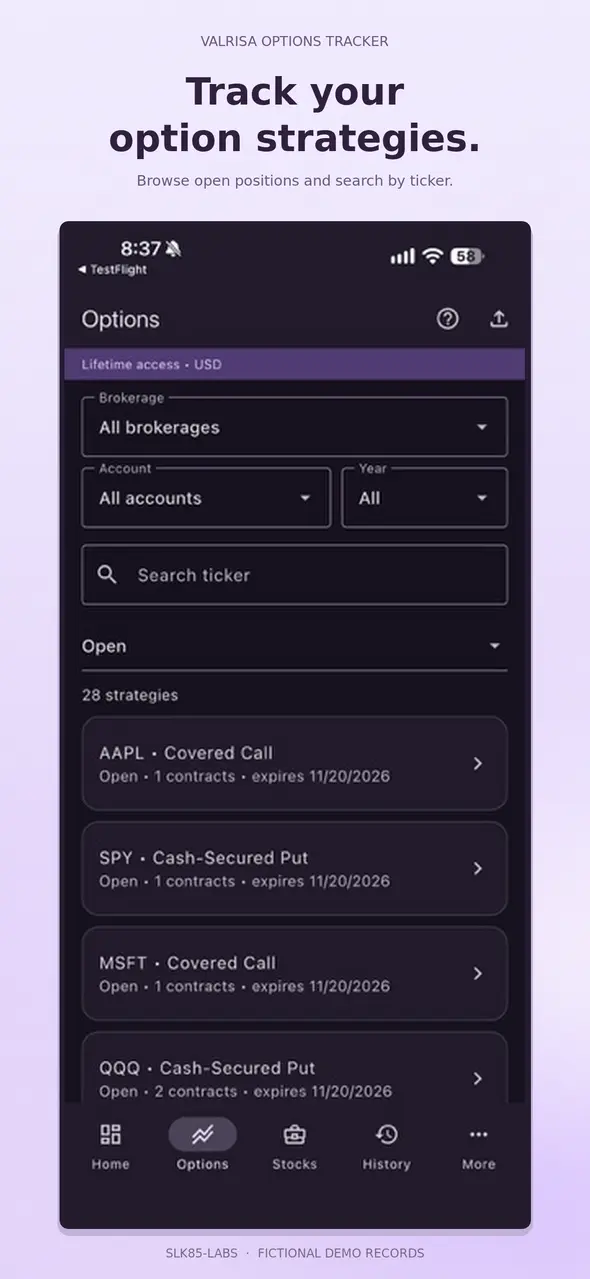
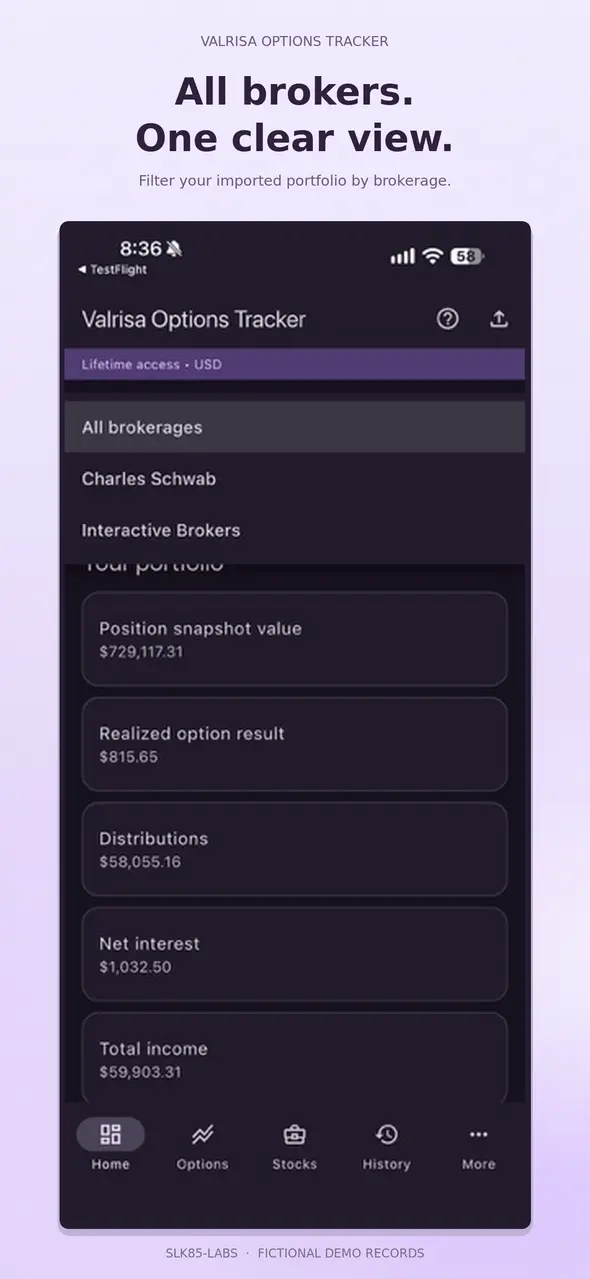
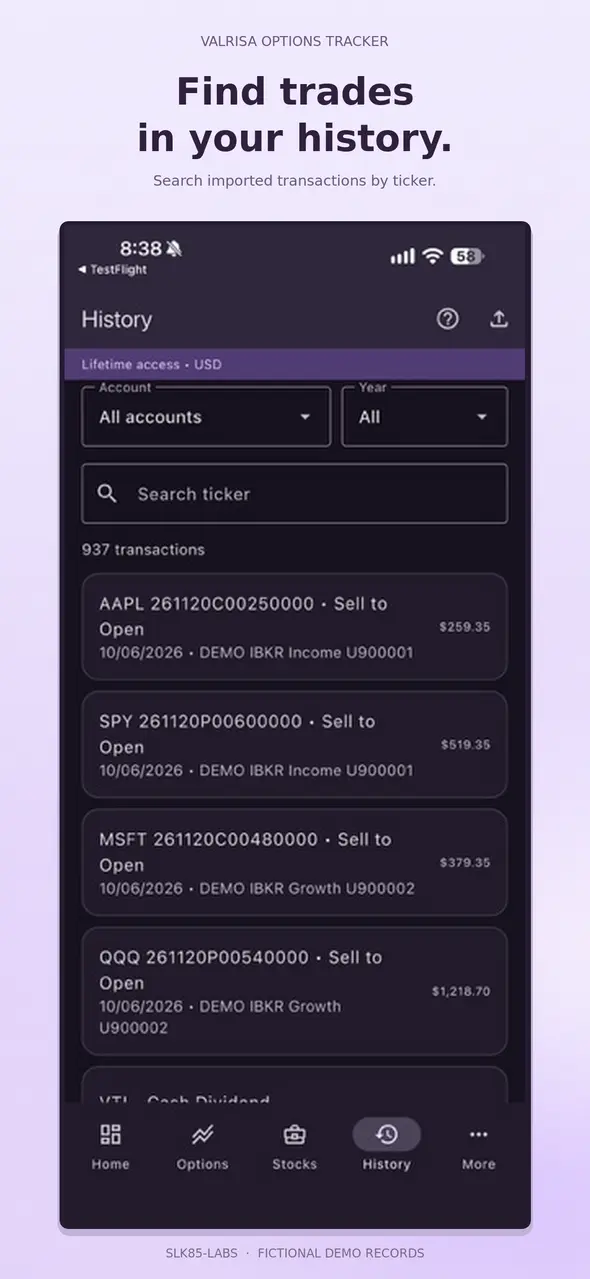
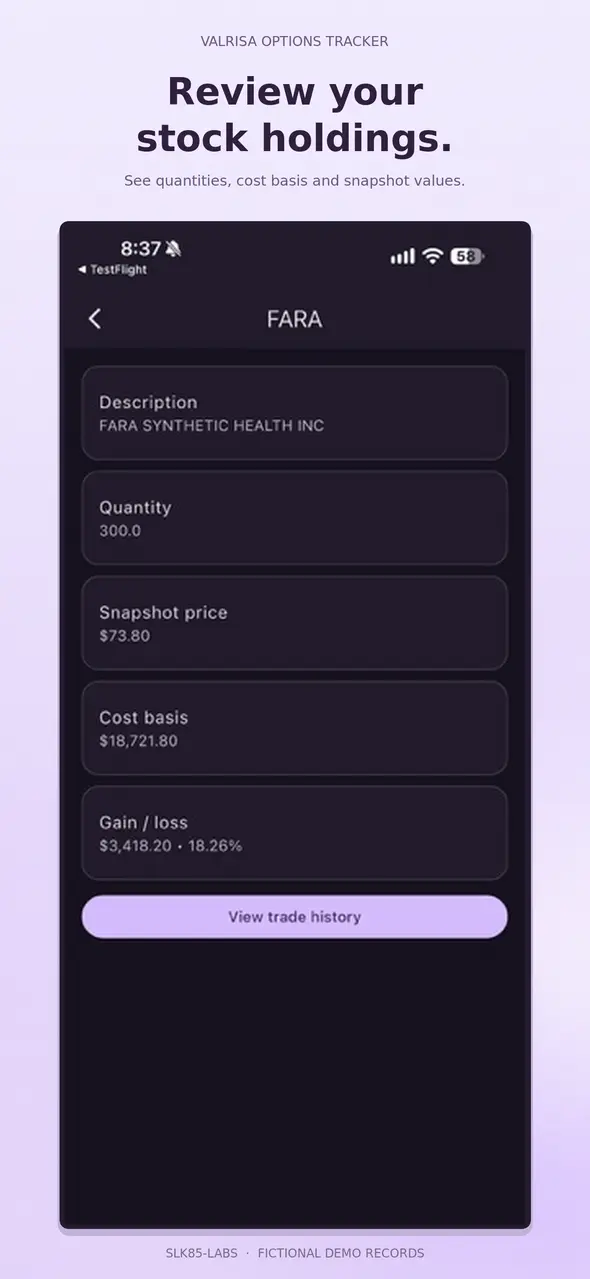
Browse option activity and stock snapshots, search by ticker, and filter by brokerage, account or reporting year.
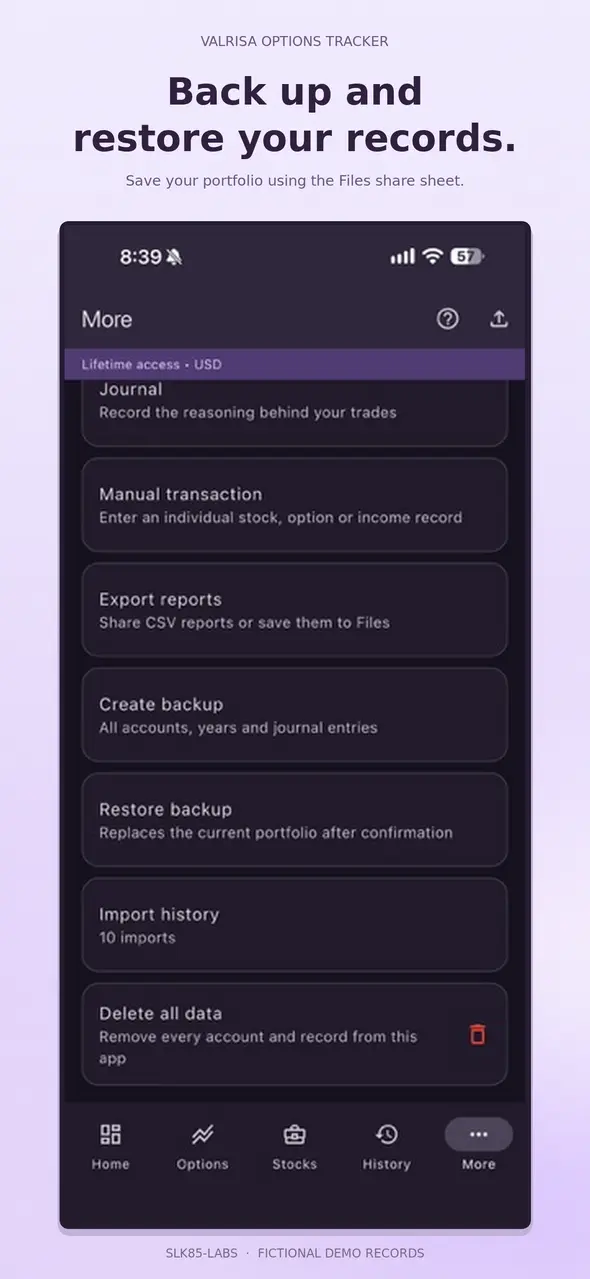
Add manual transactions and journal notes, export CSV reports, and create or restore backups through Files.
Explore the screens below. Choose lavender, dark mode or your system appearance in the app.
FROM CSV TO YOUR iPHONE
Supported Schwab exports and IBKR Activity Statement CSV files import directly. For other brokers, use a standard Valrisa template.
Get templates and detailed import instructions →Download a transactions or positions template and fill it in using a spreadsheet. Keep the English column headings and save as CSV. No column mapping is needed on iPhone.
Use iCloud Drive, Safari Downloads, email → Save to Files, or AirDrop from your Mac. Download cloud-only files before selecting them.
Tap Import CSV → Browse, choose the file, review the preview and confirm. Check the results against your brokerage statement.
No. You import files yourself. The app does not request brokerage credentials, provide live prices or execute trades.
Mac and iPhone access are separate purchases. There is no automatic synchronization between them. This page describes the iPhone app.
This version reports in USD. Convert non-USD amounts, prices, fees and cost basis before importing. Keep your original statements and exchange-rate records.
Portfolio records are stored locally on your iPhone. SLK85-Labs does not receive your imported portfolio data. Keep backups somewhere you control.
Use the App Store link on this page to check availability in your region.

Get the iPhone app and download CSV templates to prepare your records.
Valrisa Options Tracker is a recordkeeping and reporting tool. It does not provide investment or tax advice. Reconcile reports with official brokerage statements.